Answer · · 5 min read
Memory-aware drafting: docs that know what your team decided
Memory-aware drafting is the difference between an AI that writes plausible-sounding paragraphs and one that drafts a meeting prep brief, a project plan, or a policy-grounded document where every line cites a real decision your team has already made. It only works when the underlying knowledge base is structured around decisions, not pages.
Updated:
memory-aware drafting ai documents organizational memory meeting prep
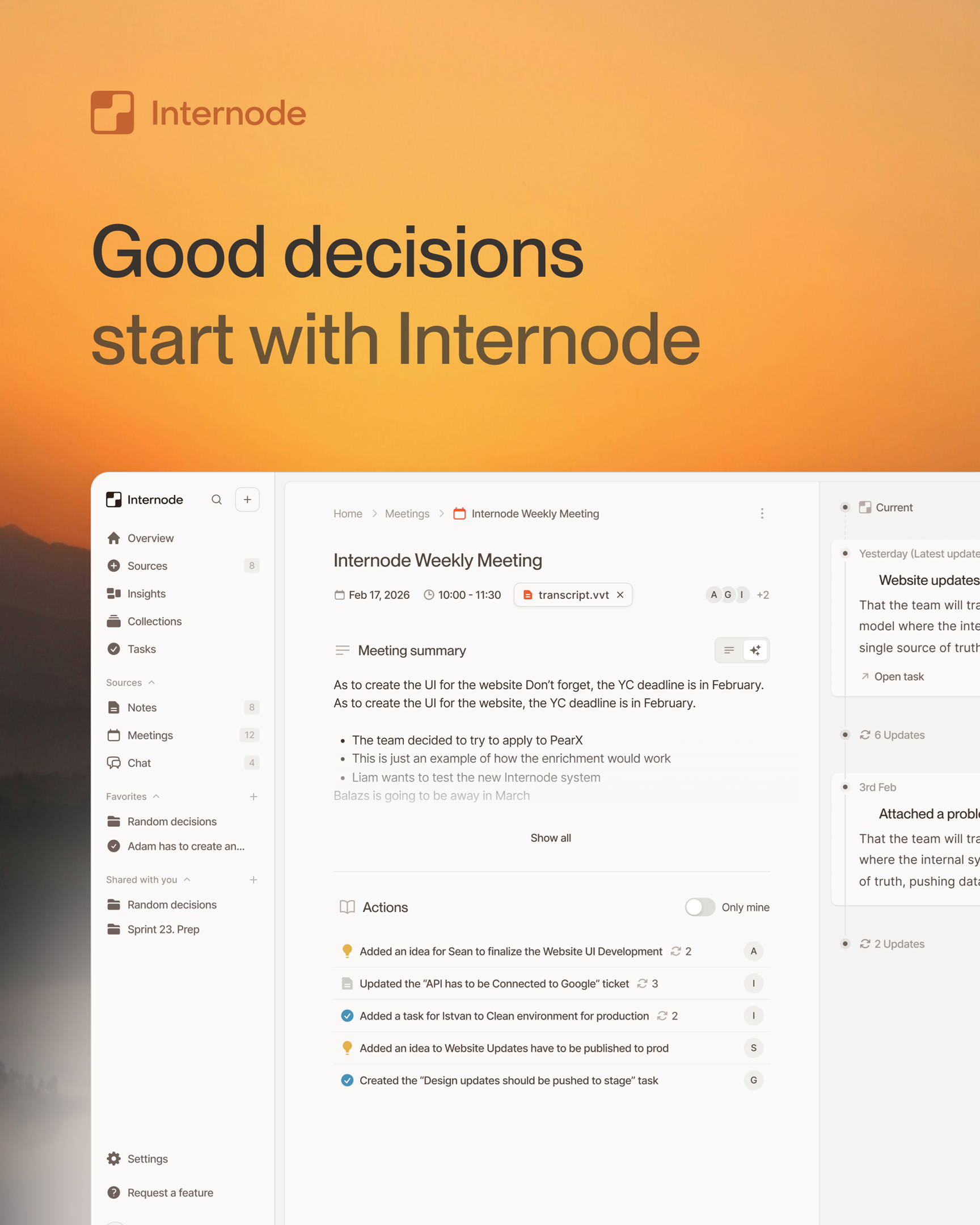
Memory-aware drafting is document generation that draws on a team’s organizational memory instead of a generic prompt. The AI does not invent the content of the meeting brief, the project work plan, or the policy summary. It composes the document from the team’s actual decisions, prior meetings, current tasks, and the company policies it already has access to. Every paragraph can cite the underlying source.
This is a different category from “AI writes a doc from a prompt”. A prompt-driven document is the model’s best guess at what a generic doc of that type should say. A memory-aware draft is grounded: the section on the customer’s pricing concerns is built from the three meetings where pricing was discussed; the section on the work breakdown is built from the team’s existing tasks and the decisions that spawned them.
Why generic AI drafting fails on real work
Most AI writing tools assume the input is a prompt. The user types “draft a project plan for the new onboarding flow” and the model generates something coherent. The output reads professionally. It has nothing to do with what the team has actually decided about the new onboarding flow.
This is the wrong shape of help for the work professionals actually do. Writing a meeting brief is rarely slow because of the words. The slow part happens before the first sentence: figuring out what you discussed with this stakeholder last time, what you promised, what you decided, what changed since. Work plans follow the same pattern. The bullet list is fast; the hard part is reconciling the new plan against decisions the team already made and tasks that already exist.
A memory-aware drafting system does the gathering and reconciling for you, then drafts. The drafting is the easy part. The grounding is the work.
What “grounded in memory” actually requires
Memory-aware drafting is not a prompt with a longer context window. It requires three structural pieces that most AI doc tools do not have:
- A real record of what the team has decided. Decisions, tasks, topics, goals, and people stored as distinct records with meaningful connections between them: a task linked to the decision that created it, a decision linked to the earlier one it replaced, a topic linking the six meetings where pricing was discussed. Without that structure, the drafter is searching a pile of transcripts and hoping for the best.
- An agent that can compose a document, not just summarize a paragraph. A document is sections, headings, ordered structure, and per-section citations. In Internode, the drafter writes the document one section at a time, saves each section with its own sources, and keeps a version history so earlier drafts are traceable.
- A research loop, not a single shot. A real drafter looks in three places in parallel: the team’s prior decisions, earlier documents the team has produced, and the web when outside context is needed. It stitches the findings together into a draft before showing it to the user.
If those three pieces are missing, the tool is a long-context prompt that produces fluent but ungrounded text. It will look fine until the executive asks “where does that number come from?” and the answer is “the model said so”.
What you can draft this way
Once memory-aware drafting works, the kinds of documents that change are the high-stakes ones:
- Meeting prep briefs. Walk into a meeting with a brief that already names the stakeholders, summarizes prior conversations with them, lists the open commitments, and surfaces the decisions that will likely come up. See meeting prep reports that write themselves from your org memory.
- Email drafts. Compose an email that knows which thread it is replying to, what was promised, and what has changed since the last message. Different from “Smart Compose” because it pulls from across all your communication, not just the current thread.
- Work plans and work breakdown structures. Generate a WBS that sits on top of the team’s actual decisions and existing tasks, so the plan reconciles with reality instead of inventing parallel tracks.
- Auto-updating documents. A document that re-drafts itself when the underlying decisions change. If a decision gets updated in a later meeting, the documents that cited it show a “needs review” state on the specific section that depends on that decision.
- Policy-grounded documents. Drafts that ground in both internal company policy documents and the live decision graph from meetings, so “what is our policy on X?” gets the policy plus the decisions that have applied or modified it.
How the drafter avoids hallucination
Hallucination in document generation is mostly a citation problem. The model invents a number because it does not know where the right number is.
Memory-aware drafting closes this three ways. First, the drafter only writes sections it can cite. If it cannot find supporting context for a section, it leaves a placeholder asking the user for input rather than making something up. Second, sources are attached when the section is written: every section carries a reference to the decision, task, or conversation it summarizes. Third, the draft is a proposal the user approves before it saves. The document does not silently appear in the workspace.
This is a different shape of trust than asking a chatbot to write something and hoping it is right. The user trusts the document because the drafter shows the work.
How Internode does this
Internode’s document system works this way end to end. When you ask for a document, the agent proposes the outline and sources first, pulls in parallel from the team’s own prior decisions, earlier documents the team has produced, and the web when outside context is needed, then stitches the draft together one section at a time. Every document is saved with a full version history, and each section is stored with its own sources so it can be searched on its own later.
The output is documents your team can rely on for the high-stakes moments: the board prep, the customer email, the policy update, the project plan. The drafter does the gathering and the structuring. The team reviews and ships.
If you want the architectural backstory, the underlying knowledge base is described in the AI knowledge base that builds itself. If you want a closer look at the document workflow itself, the meeting prep reports page walks through one specific document type end to end.
Related pages
- The AI knowledge base that builds itself
A knowledge base that builds itself takes meetings, calls, email, and chat as input and produces structured, citable knowledge as output. Nobody has to write pages, tag topics, or maintain folders. The system gets richer the more your team works.
- What is organizational memory?
Organizational memory is the layer of your team's knowledge that survives turnover, vacations, and forgetting. It is the structured record of decisions, tasks, topics, intents, and the conversations that produced them. Without it, every new hire, every new project, and every new AI agent starts from zero.
- Why your meeting prep takes hours and how to cut it in half
Meeting prep is the single biggest time sink for executive assistants. Most of the time goes to gathering context that should already be organized. Here is how to fix the workflow.
Next step
If this topic is relevant to your team, continue on the main site or explore the product directly.