Answer · · 4 min read
Internode vs Microsoft Copilot: drafts from your team's decisions
Microsoft Copilot is the best in-surface drafting assistant for teams deeply committed to Word and Outlook in Microsoft 365. Internode is the memory-aware drafting system for teams whose real decisions live in meetings, phone calls, email, and chat, and who want every section of a draft grounded in a specific source. Pick Copilot for inline rewriting inside M365. Use Internode when the draft has to answer 'where does that come from?'
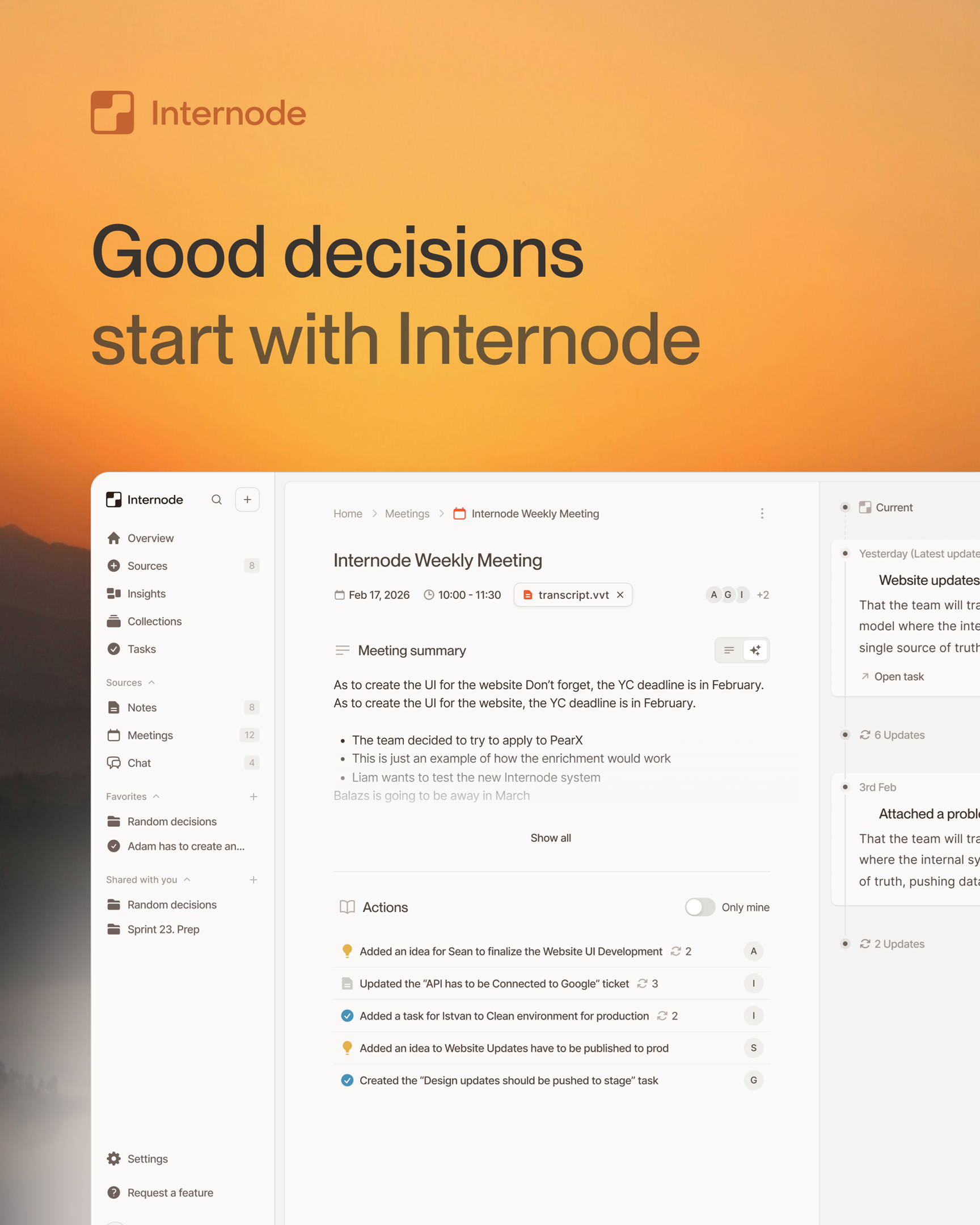
Microsoft Copilot is the best in-surface drafting assistant for teams that already live in Word and Outlook. Internode is the memory-aware drafting system for teams whose real decisions live in meetings, phone calls, email, and chat, and who want every section of a draft traceable to a specific source. Pick Copilot for inline rewriting inside Microsoft 365. Use Internode when the draft has to answer “where does this claim come from?”
Side-by-side on the axes that matter
| Axis | Internode | Microsoft Copilot for documents |
|---|---|---|
| Source of the draft | Drafts from the team’s own decisions, tasks, topics, and goals built from Zoom, Google Meet, phone calls, Slack, Teams, and email transcripts | Drafts from the files, email, and chats Copilot can see in the user’s Microsoft 365, which is filtered by what was written down in Word, OneNote, or Outlook |
| Section-level citations | Every section carries a link back to the specific decision, meeting, or conversation it summarizes | Generates answers with citations to source files, but sections inside a long doc are not individually bound to a specific decision or conversation the team agreed on |
| Auto-update when decisions change | When a later decision updates or replaces an earlier one, every document that cited it is flagged “needs review” with the exact section highlighted | Drafts are static text once written; Copilot does not watch the decision behind a paragraph and re-open the document when the decision changes |
| Research loop | Pulls from your team’s prior decisions, your prior documents, and the web in one drafting pass, and saves the research notes before drafting each section | Answers a prompt in one pass over the tenant search index; there is no planning phase that fans out research across your own memory and then composes sections |
| How documents are saved | Every document is saved with a version history; each section is stored and searchable on its own so later drafts can retrieve it by meaning | Produces a Word file or an Outlook draft; sections are not indexed for later retrieval across the tenant |
| Approval before save | Every draft is a proposal you review and approve or edit before it saves, with earlier drafts kept and traceable | Content is inserted directly into the document or email being edited, with no separate approval artifact on the backend |
| Cross-source grounding | One document pulls from meetings, phone transcripts, email, chat, and uploaded PDFs in a single draft | Cross-surface grounding across Word, Outlook, and Teams, but phone calls and meeting audio outside Teams are not first-class inputs |
| Document as a structured proposal | A document names its source decisions, cites them at the section level, and keeps a lineage across revisions | A Word file is a file; the link between a paragraph and the decision that justified it is implicit, not structural |
When to choose Internode
- A program manager needs a board memo that reconciles decisions made across six meetings in the last quarter. Internode plans the outline, pulls prior context from the team’s own decisions and earlier documents, and drafts each section with a citation back to the decision it summarizes.
- You want a customer brief that pulls from the phone call last week, the follow-up email, and the internal pricing decision from a different meeting. Internode grounds the draft in all three because the record treats them as one connected set of events.
- A compliance doc needs to re-draft itself when the underlying policy decision changes. Internode flags the section that depends on the changed decision and opens a revision for approval; the document stays aligned with the current state of the record.
- You want every generated document to save with version history and section-level search, so the next draft can retrieve it, cite it, and build on it. The document store is a structured asset, not a pile of files in OneDrive.
Where Microsoft Copilot wins
Microsoft Copilot is the right tool for organizations deeply committed to Microsoft 365, where Word is the writing surface and Outlook is the communication layer. If your team drafts every document in Word, lives in Outlook threads, and has licensed Microsoft 365 across the tenant, Copilot’s in-surface drafting and retrieval are strong because they sit right where the work already happens. It is the best fit when the request is “rewrite this Word document” or “draft this email reply from the thread I am in.” The trade-off is that Copilot drafts from whatever ended up in Microsoft 365, which is mostly what people chose to type into Word, OneNote, or Outlook. It does not draft from the decision your team agreed on in a Zoom call, a phone call, or a meeting the Copilot was not in.
Bottom line
Use Microsoft Copilot for inline drafting inside Word and Outlook where the source is already in Microsoft 365. Use Internode when the draft has to be grounded in decisions made across meetings, calls, email, and chat, and when every section needs to cite the specific source behind it. For the approach, see memory-aware drafting. For how the underlying record is built from conversations, read the AI knowledge base that builds itself. Start free at app.internode.ai.
Related pages
- Memory-aware drafting: docs that know what your team decided
Memory-aware drafting is the difference between an AI that writes plausible-sounding paragraphs and one that drafts a meeting prep brief, a project plan, or a policy-grounded document where every line cites a real decision your team has already made. It only works when the underlying knowledge base is structured around decisions, not pages.
- Internode vs Notion AI: drafts from your team's memory
Notion AI is the best in-workspace drafting assistant for teams already living in Notion pages. Internode is the memory-aware drafting system for teams whose real decisions live in meetings, calls, email, and chat. Pick Notion AI to rewrite and extend pages you already typed. Use Internode to draft documents grounded in decisions your team never wrote down.
- Internode vs Gemini for documents: grounded in your team's memory
Gemini is the best in-surface drafting assistant for teams that live in Google Docs and Workspace. Internode is the memory-aware drafting system for teams whose real decisions live in meetings, phone calls, email, and chat. Pick Gemini to extend documents inside Google Docs. Use Internode when every section of the draft has to trace back to a specific decision your team agreed on.
Next step
If this topic is relevant to your team, continue on the main site or explore the product directly.