Answer · · 4 min read
How to synthesize knowledge across client meetings
Synthesizing knowledge across client meetings fails when the work depends on your memory. The fix is a system that captures every conversation as structured records and clusters them by topic automatically, so the pattern across engagements is visible without you rebuilding it each time.
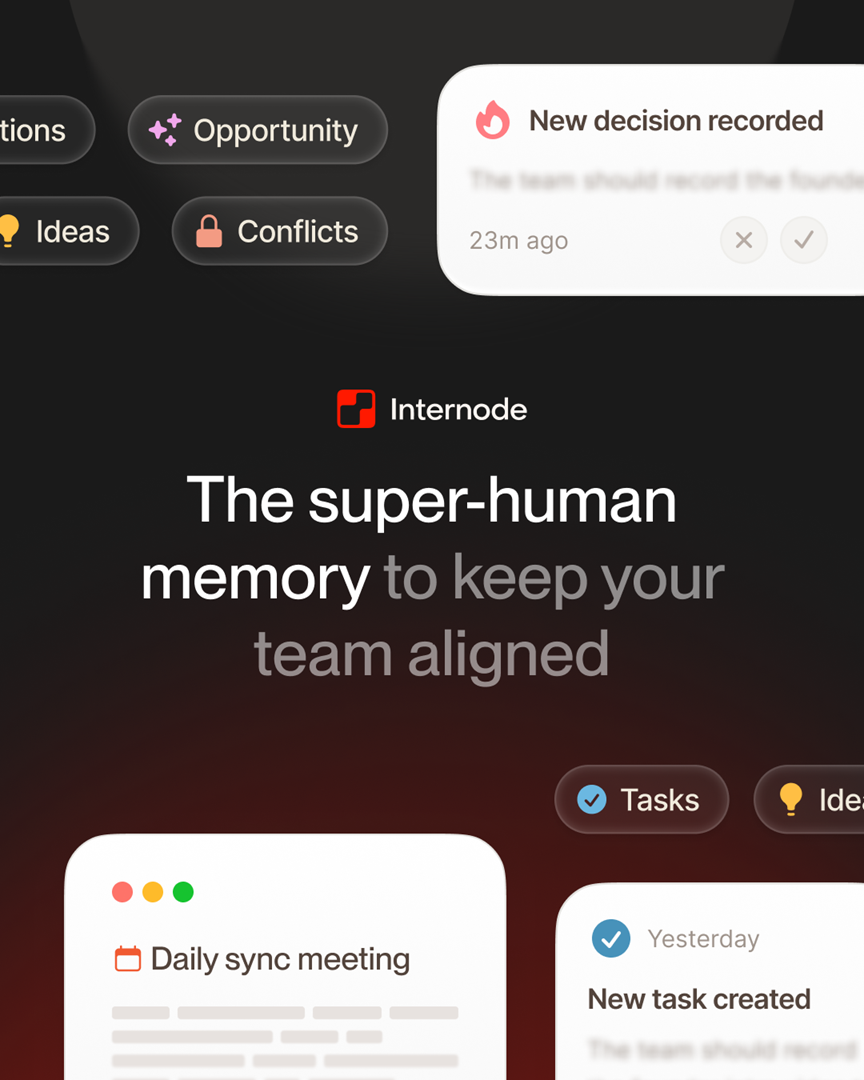
To synthesize knowledge across client meetings without relying on memory, you need three things: every conversation captured as text, pulled into structured records like decisions and tasks, and clustered by topic across engagements. Memory is a bad substitute for any of those steps, and manual notes are a slow substitute for the extraction. The work below walks through a system that does each step on its own.
The goal is not better note-taking. The goal is a connected view of what you have learned across every client you serve, so you can answer questions like “what have CFOs told me about capital allocation this quarter?” without re-reading six transcripts.
Step 1: Capture every conversation as text
Synthesis starts with having the text. If a meeting was not captured, it cannot be part of any later analysis.
For video calls, connect Zoom or Google Meet and let the tool pull transcripts automatically. For phone calls and in-person meetings, use your phone’s built-in transcription. iPhone Voice Memos and Google Recorder both produce accurate transcripts you can upload directly. For internal working sessions, record with Otter or Fireflies or a similar service and export the transcript.
The principle is simple: the cost of capture has to approach zero, because you are busy enough that any step you have to remember will be skipped when the week gets hard.
Step 2: Extract structured records, not just a blob of text
Raw transcripts are not knowledge. They are a text file you can search, which is a weak form of retrieval. Keyword search across 200 pages of meeting text will not answer the questions you actually want to ask.
The next step is pulling the transcript apart into structured records. In Internode, this happens automatically when a transcript is read:
- Decisions are saved as their own records with the reasoning behind them and the people present.
- Action items and commitments are saved as tasks linked to the decision or conversation that created them.
- Subjects become topics that group everything related to a recurring theme.
- Goals are kept as their own records so the tool can tell the difference between what a client wants to achieve and what they are doing to get there.
Structured extraction is the step that turns a folder of transcripts into something you can query by question instead of by keyword.
Step 3: Cluster across meetings and across clients
The third step is the one memory cannot do reliably. A topic mentioned in a Tuesday call with Client A is the same topic mentioned in a Thursday call with Client B, and you want both mentions linked to one record.
This is where the structured base pays off. Internode recognizes when the same topic appears across conversations, so a topic like “vendor consolidation” gets enriched with every mention of it, regardless of which client surfaced it. The result is one entry per subject with many sources, not many unrelated entries scattered across client folders.
For a deeper explanation of this architecture, see the AI knowledge base that builds itself.
Step 4: Ask questions, not keyword searches
Once the base exists, synthesis becomes a question, not a search job. Examples of questions that work:
- “What concerns have CFOs raised about the new regulation this quarter?”
- “Which clients have mentioned supply-chain consolidation in the last 60 days?”
- “What did the CEO at ClientX say about their expansion timeline across the last three meetings?”
- “What decisions has Client Y deferred, and why?”
Each answer pulls from the records and their sources, not from keyword matches. The result includes links back to the original conversation so you can verify the quote and read the surrounding context before using it in a proposal or a brief.
Step 5: Generate the brief from the base, not from memory
Once questions return clean answers, you can generate deliverables from the same source. Internode plans a document, gathers research from your knowledge base, and drafts sections with citations to the underlying decisions and conversations. Every claim in the draft can be traced back to the meeting where it came from.
You review the draft as a proposal before anything is saved. The generation is grounded in your actual conversations, which is why it does not hallucinate facts the client never mentioned.
A weekly synthesis routine
If you want a lightweight routine to adopt right now, this one works.
- Monday morning. Ask: “what did clients say last week that connects to what I am working on this week?” Review topics that cluster across more than one client.
- Before each client meeting. Ask: “what has ClientX said about [subject] across our previous meetings?” That is your prep.
- Friday afternoon. Ask: “what patterns emerged across engagements this week?” Cross-client synthesis becomes insight you can bring to proposals and strategy work.
Where to start
You can begin in under 15 minutes. Create an account, connect one video platform or upload two transcripts, and ask three questions that pull from both. If the answers are better than what you would have assembled from memory, you already have your answer on whether the system works for how you think. For a wider view of the category, see AI knowledge management for consultants.
Start at app.internode.ai. The synthesis improves the more conversations you feed in, which means the value builds over every engagement you run through it.
Related pages
- AI knowledge management for consultants: keep what you learn
Consultants learn more in a single week than most people capture in a year. The problem is that the learning lives in conversation, not in documents. AI knowledge management is the layer that connects what clients tell you across every meeting, proposal, and brief you work on.
- The AI knowledge base that builds itself
A knowledge base that builds itself takes meetings, calls, email, and chat as input and produces structured, citable knowledge as output. Nobody has to write pages, tag topics, or maintain folders. The system gets richer the more your team works.
- The alternative to a CRM for consulting knowledge
CRMs were built to track contacts and deals. They do not track what people told you, what decisions the client is weighing, or how one engagement connects to another. Consultants need a different system: one that captures conversations, extracts the knowledge inside them, and connects what you learn across every client.
Next step
If this topic is relevant to your team, continue on the main site or explore the product directly.