Answer · · 5 min read
AI PM agent: what it actually is and what to demand from one
An AI PM agent is a project manager that lives between your meetings, your chat, and your task tool. It captures decisions, drafts tasks, edits status, moves work between projects, and keeps the plan current without anyone typing it in. Most products marketed as 'AI PM' do not do this.
Updated:
ai pm agent ai project manager ai task manager organizational memory
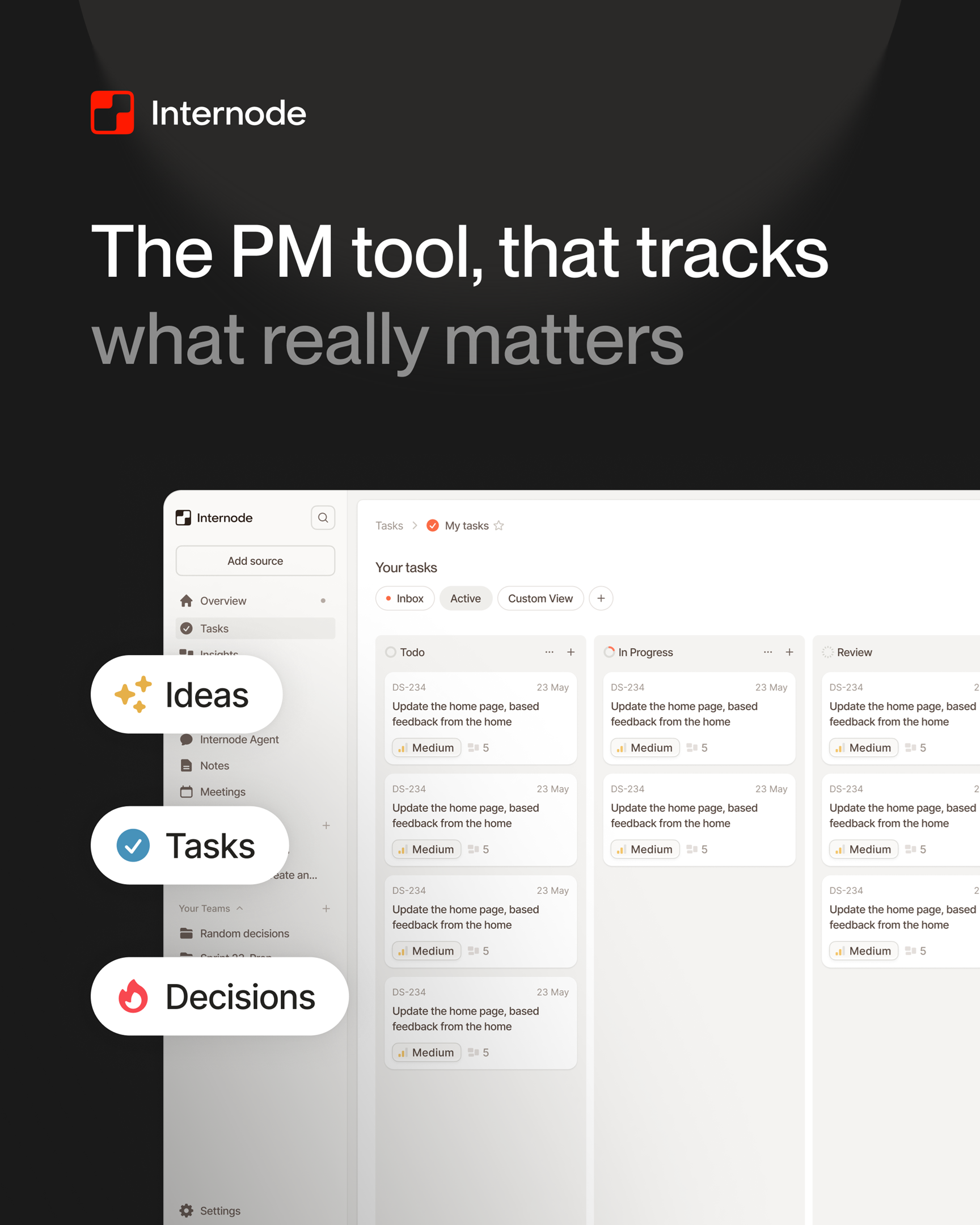
An AI PM agent is software that captures decisions and commitments from your team’s conversations, turns them into tasks linked to the meeting and the people who made them, and keeps the plan current as new conversations happen. It does not just transcribe meetings or summarize threads. It creates tasks, updates status and owners, moves work between projects, and proposes changes that you approve in one click.
Most tools marketed as “AI PM” today are meeting-notes tools with a chat box. The tool extracts action items, but a human still has to type those into Linear, Jira, or Asana. The plan is always one conversation behind the work. A real AI PM agent closes that loop.
The four things a real AI PM agent does
An honest test for any product calling itself an AI PM agent: can it do these four things on production data, end to end, without a human acting as the typist?
- Capture. Pull tasks, decisions, ideas, and commitments out of meeting transcripts, phone calls, email, and chat as they happen.
- Structure. Store each item as a distinct record (a task, a decision, a topic, a goal, a person) connected to the others, not as a bullet under a transcript.
- Change. Change the plan directly: create tasks, edit status and assignees, move tasks between projects and teams, archive completed work. Change many tasks at once when the request covers a batch.
- Sync. Push those changes into Linear or Jira two-way, so engineers do not have to look at “yet another tool” to find their work.
If any of these four are missing, the tool is not an AI PM agent. It is a meeting summarizer with a chat interface, and somebody is still doing the data entry.
Why “AI summary plus action items” is not enough
The “AI meeting notes” category solved transcription. It did not solve project management.
The pattern looks the same everywhere: an AI tool joins your meeting, produces a transcript, lists action items at the bottom, and emails it out. Now you have a tidy summary in a tool that nobody opens after Tuesday. The task list still has to be retyped into Linear. The decision still has to be written into the wiki. The follow-up email still has to be drafted by hand.
The reason is structural. A meeting-notes tool treats a meeting as a single artifact: transcript, summary, action items, done. A PM agent treats the meeting as one event in a larger record of the team’s work that spans every decision and task, and it can change that record on your behalf. Mutating that record requires the agent to actually understand it. Most tools never built that understanding.
For a longer take on why this category split matters, see AI meeting notes versus organizational memory.
What it should know about your team
A real AI PM agent does not start cold every time someone speaks. It carries context across conversations, weeks, and projects. To do its job it needs:
- Distinct records, not bullets. A task has a status, an owner, a deadline, and a parent. A decision has a conclusion, a rationale, the alternatives the team rejected, and the person who agreed to it. A topic groups related conversations. The agent should treat these as different things, not as paragraphs under a transcript.
- Connections that mean something. A task should link back to the decision that created it. A new decision should link to the earlier one it replaced. A blocker should link to the task it is blocking. Without those links the agent cannot answer “why does this task exist?” or “has the team already decided this?”
- Two kinds of tasks, not one. Internal work your team owes itself is not the same thing as work your team owes a customer or supplier. Treating them the same is how backlogs end up as a pile of engineering tickets mixed with sales follow-ups and supplier commitments.
- Subtasks as first-class structure, so a planning conversation can break a goal into checklist items the same way a project manager would.
When the agent has that structure, it can answer “what should I work on next, and why?” with a real answer, not a paragraph stitched from the last three meeting summaries.
What “the agent can change the plan” means
This is the hardest test, and the one most products fail.
A real AI PM agent should be able to take a plain-English instruction like “move all tasks tagged ‘auth-cleanup’ from the design team to the platform team and set their priority to high” and turn it into a single proposed change that covers every affected task at once. The user sees one approval card, clicks once, and the changes apply.
In Internode, every change the agent makes is a proposal first. Nothing moves in the project tool until the user approves it. The agent can:
- Create or edit a single task, decision, or topic.
- Change a field (status, owner, priority, due date) across many tasks at once.
- Move a batch of tasks from one project to another, or reassign a set of items to a different team.
- Archive a group of completed items together.
- Create a decision, the tasks that follow from it, and the topic it belongs to in one step.
- Spin up a new team with its statuses, projects, and members in a single approval.
That approval gate matters. An agent that changes things silently is not an agent, it is an outage waiting to happen.
What this changes about a project manager’s day
Once an AI PM agent is doing capture, structuring, mutation, and sync, the job of running a team changes shape. The PM stops being a typist who reformats meeting notes into Linear tickets. The PM becomes a reviewer of proposed changes and a coach for the agent.
The day-to-day looks different:
- Meetings end and the task list is already updated, with each task linked to the moment in the transcript that created it.
- A planning conversation produces a draft work breakdown structure the PM can revise in chat instead of in a spreadsheet.
- A status change in one task propagates suggestions for related tasks (close the parent, unblock the dependent, escalate the blocker).
- Asking “what changed this week?” returns a list of decisions and the tasks they affected, not a wall of activity logs.
For the day-to-day version of this, see how to stop typing tasks from meetings.
Where Internode fits
Internode is built as an AI PM agent. It reads meetings from Zoom and Google Meet, phone calls, email threads, and Slack, and turns what was said into structured records of decisions, tasks, topics, and goals. The chat agent answers questions grounded in that record and changes it through the approval gate described above. Tasks sync both directions with Linear and Jira, so engineers keep working in the tool they already use.
If you are evaluating tools in this category, the next reading is the best AI task manager in 2026, which compares Internode against Linear, Jira, and Asana AI on the four axes above.
Related pages
- The best AI task manager in 2026
The best AI task manager in 2026 captures tasks from conversations, links each task to the decision that produced it, mutates project state in bulk, and syncs two-way into the team's tracker. Internode does all four. Linear, Jira, Asana, and ClickUp AI each cover a slice.
- An AI PM that captures tasks from meetings
An AI PM that captures tasks from meetings should produce real tasks linked to the moment in the meeting they came from, not bullet lists inside a transcript. Each task carries the decision that created it, the person who owns it, and the source conversation. Internode does this automatically and syncs the result into Linear or Jira.
- How to stop typing tasks from meetings
You finish the meeting. The action items are clear. Then somebody, usually you, has to type them into Linear, Jira, or Asana so they actually exist in the team's plan. Here is how to stop doing that: capture from meetings, structured extraction, agent-proposed mutations, and two-way sync.
Next step
If this topic is relevant to your team, continue on the main site or explore the product directly.