Answer · · 5 min read
Internode vs Granola: which meeting intelligence tool wins?
Granola is the best in-meeting capture notebook for one user in one video meeting at a time. Internode is the AI meeting intelligence layer for teams whose work spans phone calls, email, chat, and many weeks of cross-meeting context, with an AI agent that can change many things at once and sync back to Linear or Jira. Pick Granola for the personal notepad. Pick Internode for the team record that survives turnover.
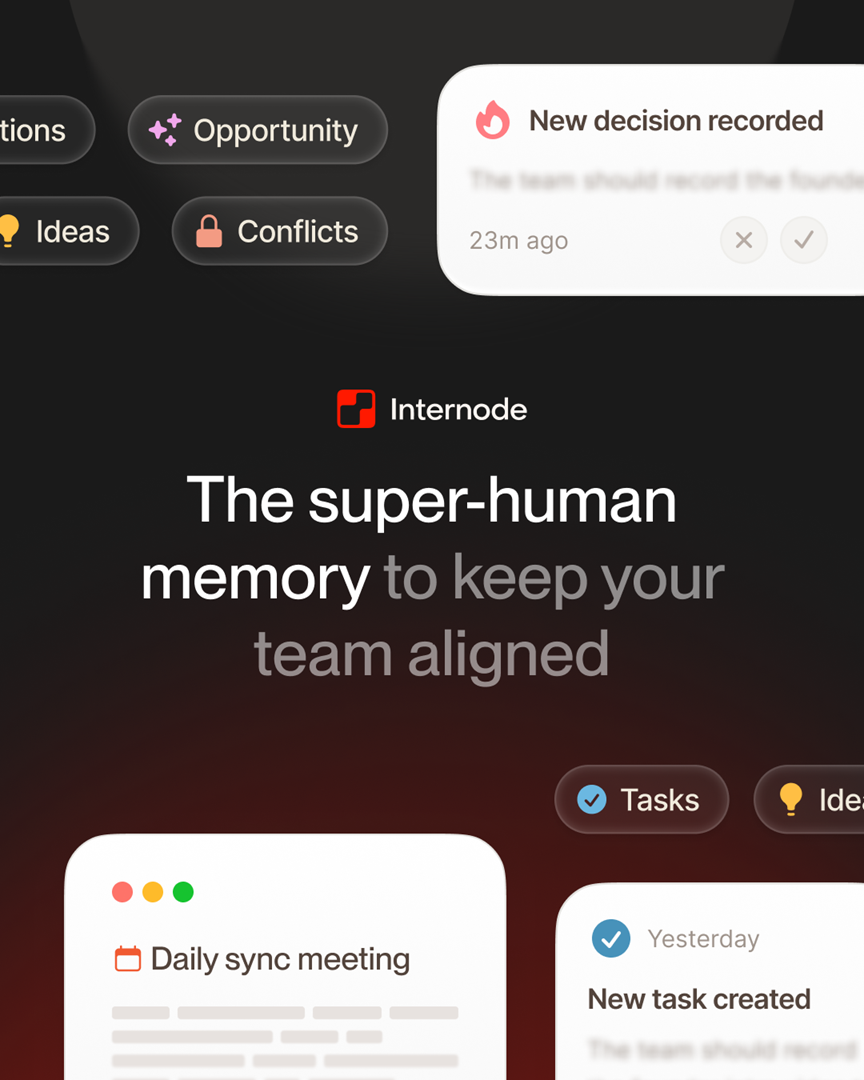
Granola is the best in-meeting capture notebook for one user in one video meeting at a time. Internode is the AI meeting intelligence layer for teams whose work spans phone calls, email, chat, and many weeks of cross-meeting context, with an AI agent that can change many things at once and sync back to Linear or Jira. Pick Granola for the personal notepad. Pick Internode for the team record that survives turnover.
Looking for the meeting-prep drafting comparison? See /internode-vs-granola-for-meeting-prep-drafts.
Side-by-side on the axes that decide your team’s workflow
| Axis | Internode | Granola |
|---|---|---|
| Captures from phone calls, not just video meetings | Reads phone call transcripts alongside Zoom and Google Meet, and pulls tasks and decisions out of each call | Designed around video meetings the user joins on their laptop; phone calls are outside the capture surface |
| Captures from email threads | Reads email threads and folds the commitments inside them into the same record as meetings and calls | A notebook per meeting, built from the audio of that session; email threads are not a source |
| Tasks linked to the source meeting and the person who agreed | Every task is connected to the decision that produced it, with the meeting timestamp and the person who agreed stored with it | Action items live inside the per-meeting note; they are not linked across meetings or tied to the person who agreed |
| Decisions preserved with rationale | Decisions are saved with the reasoning behind them, the alternatives that were considered and rejected, and the person who agreed, all queryable by the chat agent | Notes summarize what was said; the rationale lives in the user’s own prose, not as a retrievable record |
| Bulk changes from chat | One approval in the chat can change a status across many tasks at once, move a batch of tasks to another project or team, or archive a set of items together | The product is a note-taker for the individual user; there is no agent that changes project state across many items |
| Two-way Linear and Jira sync | Tasks created in Internode flow to Linear or Jira with the source decision attached, and status updates flow back in the same thread | Notes export to other tools as flat text; there is no two-way sync that keeps the tracker aligned to the decision history |
| Organizational search across all conversations | One query searches every meeting, phone call, and email thread in the organization, weighted by the decisions and topics it already knows about | Search is scoped to the notes the individual user has captured |
| Survives team turnover | Knowledge is owned by the organization, so the tasks, decisions, and topics stay intact when people leave | Notes are attached to the user who captured them; the history walks out with the account |
When to choose Internode
- Your salespeople close deals on the phone, and half the commitments never make it to the CRM. Internode captures phone call transcripts and pulls out tasks and decisions the same way it handles Zoom.
- A new hire asks why a vendor was chosen six weeks ago, and the answer sits in someone else’s Granola notebook. Internode answers with the decision, the reasoning behind it, and the alternatives that were considered, pulled from every meeting the topic touched.
- Leadership wants to rebalance work before the next cycle: move every task tagged “auth-cleanup” from design to platform and raise priority to high. Internode does this from the chat as one approval.
- Your team runs Linear or Jira as the source of truth. Internode keeps those trackers current with two-way sync, and the source decision stays attached to the ticket so the “why” is always one click away.
Where Granola wins
Granola’s strength is the in-meeting capture experience for one user. The app runs quietly on the laptop, captures the meeting audio locally, and produces a readable personal notebook with speaker-level attribution the moment the call ends. For a product manager or founder who wants a clean personal record of a single meeting, Granola is simpler and feels good to use every day. The trade-off is that Granola treats a meeting as a self-contained artifact for one person. It does not span the phone calls and email threads that preceded the meeting, the decisions that survive across six related conversations, or the bulk changes the team needs when priorities shift. Internode treats a meeting as one event in a record that spans the organization’s full history.
Common questions
Does Internode replace Granola entirely?
It does not have to. Teams often run both for the first month: Granola for the personal in-meeting notebook on a laptop, Internode for the team record that spans phone calls, email, and cross-meeting context. After the trial most teams consolidate on Internode because the personal notebook is a subset of what the organizational record already captures, but the choice is yours and switching is non-destructive.
What happens to my existing Granola notes when I start Internode?
Nothing. Granola notes stay in Granola. Internode reads new meetings from your Zoom or Google Meet bot, your phone call transcripts, and your email and Slack. If you want to bring historical Granola notes into the Internode record, you can paste the notebook content into a topic and Internode will parse out the decisions and tasks it contains.
Is Internode’s chat agent safe to let loose on Linear or Jira?
Every change is a proposal the human approves before it runs. The chat agent cannot move, reassign, archive, or update tickets without you clicking approve on the card, and every approved change is logged against the decision that triggered it. That is the core difference from auto-apply workflow tools: the approval step is structural, not a setting you can turn off.
Bottom line
Keep Granola if you want a personal notebook for the meetings you attend. Choose Internode for the capture layer that covers phone calls and email, the tasks and decisions that survive turnover, the chat agent that moves work across projects in one approval, and the two-way sync that keeps Linear or Jira current. For the broader category, see the AI knowledge base that builds itself. For the neighbor comparison, read Internode vs Read AI. Start free at app.internode.ai.
Related pages
- The AI knowledge base that builds itself
A knowledge base that builds itself takes meetings, calls, email, and chat as input and produces structured, citable knowledge as output. Nobody has to write pages, tag topics, or maintain folders. The system gets richer the more your team works.
- Internode vs Read AI: which meeting intelligence tool wins?
Read AI is the best tool for speaker analytics and in-meeting engagement scoring in one video call at a time. Internode is the AI meeting intelligence layer for teams whose work spans phone calls, email, chat, and weeks of cross-meeting context, with decisions and tasks that sync back to Linear or Jira. Pick Read AI for the single-meeting scorecard. Pick Internode for the record that survives team turnover.
- Internode vs Otter: which AI meeting intelligence tool should you use?
Otter is the best per-meeting transcription product for one session at a time, with a fast search bar and speaker tagging inside the transcript. Internode is the AI meeting intelligence layer for teams whose work spans phone calls, email, chat, and weeks of cross-meeting context, with tasks and decisions that sync back to Linear or Jira. Pick Otter for the transcript you want to scrub. Pick Internode for the team record that outlives the meeting.
Next step
If this topic is relevant to your team, continue on the main site or explore the product directly.