Answer · · 4 min read
Internode vs Coda AI: living documents updated from the real world
Coda AI is the best living-document tool for teams who want programmable docs with formula-driven tables and buttons inside one workspace. Internode is the living-document system for teams whose documents need to update from meetings, calls, email, and chat happening outside the doc. Pick Coda for programmable tables; add Internode for documents that update from the real world.
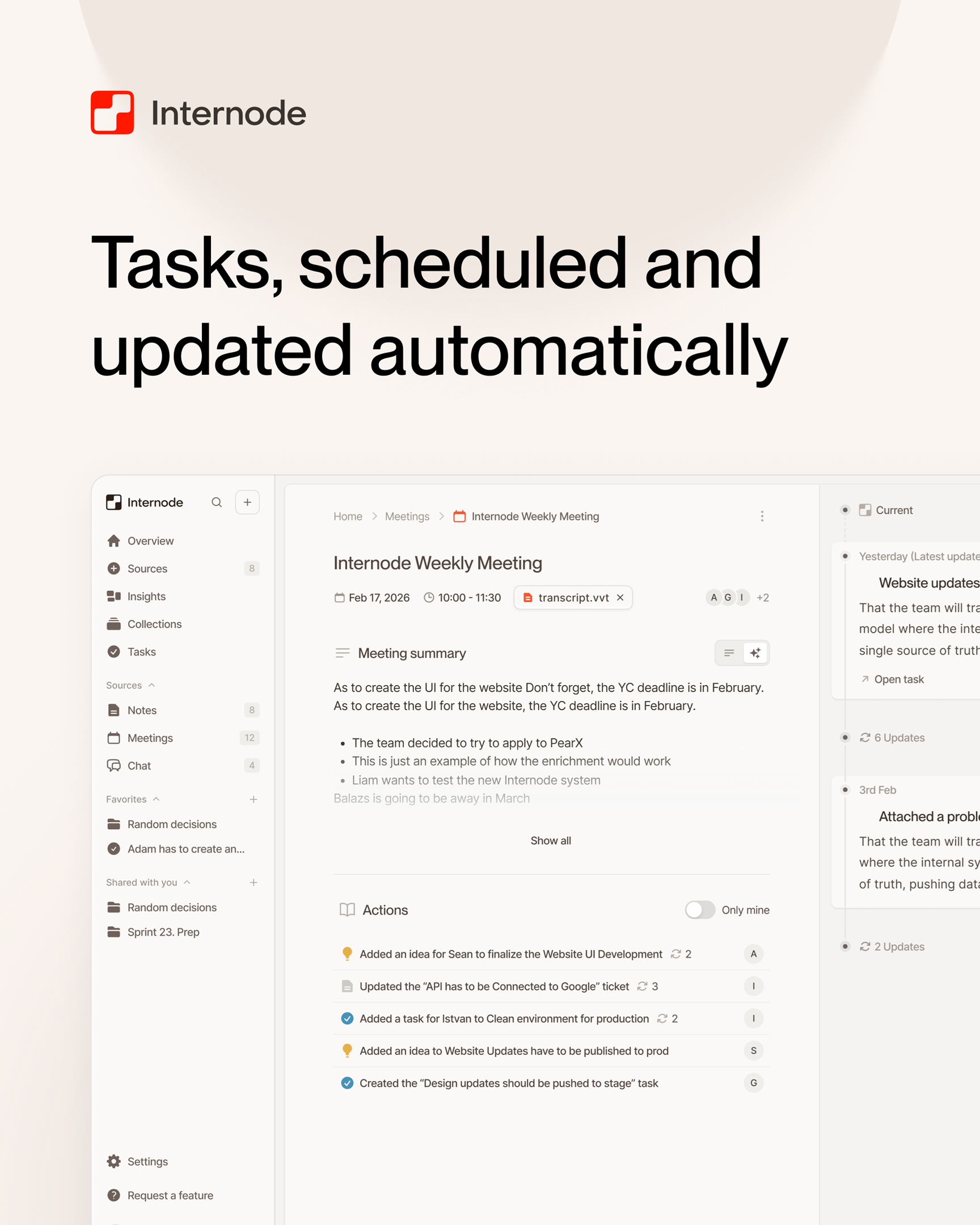
Coda AI is the best living-document tool for teams who want programmable docs with formula-driven tables and buttons inside a single workspace. Internode is the living-document system for teams whose documents need to update from meetings, calls, email, and chat happening outside the doc. Pick Coda for programmable tables. Add Internode when the document has to stay current with what the team actually decided.
Side-by-side on the axes that decide whether a doc stays current
| Axis | Internode | Coda AI |
|---|---|---|
| Update trigger from meetings | New meeting transcripts turn into decisions and tasks, and documents that cite them are flagged “needs review” automatically | Coda docs update when a user triggers an automation, pastes content, or runs a Pack; meeting transcripts do not flow in as structured records by default |
| Update trigger from email and chat | Email threads and Slack conversations come in as source events, and the sections that depend on them re-draft | Email and chat enter through connected Packs; updating a section still requires a user prompt or a formula the user maintains |
| Update trigger from new decisions | When a later decision updates or replaces an earlier one, every document section that cited it is flagged for review and a revision is drafted for approval | There is no structured decision layer; sections stay unchanged until a human or a button action rewrites them |
| Source-of-truth trace per update | Each section stores the source decision, meeting, or email it came from, so every update cites its cause | Sections reference Coda tables and Pack results; there is no per-section citation to the conversation that caused the update |
| Section-level search | Every section is stored and searchable on its own so a later draft can retrieve it by meaning | Coda supports keyword search across the doc; section-level search by meaning is not part of the platform |
| Versioned section history | Every document is saved with a version history, earlier drafts stay traceable, and each section is re-indexed per version | Coda keeps a page version history; sections are not a first-class versioned unit with their own search index |
| Proposal before save | Every document update is a proposal you review and approve or edit before it saves | Coda AI writes directly into the doc; users undo after the fact rather than review a proposal beforehand |
| Cross-source grounding in one pass | A single drafting pass pulls from your team’s prior decisions, your prior documents, and the web, so one doc can cite meetings, prior docs, and web sources with one approval | Coda AI draws on the current doc, connected Packs, and the user’s prompt; a cross-source pass over the team’s meetings-plus-email-plus-policy stack is not its shape |
When to choose Internode
- Your team has a product spec that cites Q2 meeting decisions, and those decisions just changed in a Zoom review. Internode records the update and the affected sections are flagged for re-drafting with the new decision as the source.
- The exec asks why a number in the roadmap doc changed last week. Internode answers from the section that stored the source meeting at write time.
- You keep a weekly status doc that should reflect what was actually said in the last seven days of standup, not what the author remembers. Internode drafts the update from the team’s own decisions and surfaces it as a proposal for approval.
- You have a compliance review that needs every change to a policy doc to show the conversation that caused it. Internode saves the source event alongside the section and tracks the revision in the version history.
Where Coda wins
Coda is the strongest programmable-doc tool for teams who want formulas, buttons, and table-driven logic inside one workspace. If your use case is a project hub built from tables, where a click moves a row, a formula rolls up counts, and the same page acts as both database and narrative, Coda’s Packs and formula language are built for that exact shape. Coda AI on top of that surface is genuinely useful for summarizing tables and drafting sections that sit near them. The trade-off is that Coda treats the document as a programmable artifact that the user maintains, and its AI operates inside that assumption. Internode treats the document as a derivative of the team’s own decision history built from the conversations themselves, so the document updates when the underlying decisions change without a human running a rule. That is a broader scope than an in-doc generator can cover.
Bottom line
Pick Coda for programmable tables, buttons, and formulas inside a single workspace. Add Internode for the living document that updates from what the team decided in meetings, calls, email, and chat, with every update traceable to a source event. For the underlying approach, read about memory-aware drafting. For the knowledge layer that powers it, see the AI knowledge base that builds itself. For a related comparison, read Internode vs Microsoft Syntex for policy-grounded documents. Start at app.internode.ai.
Related pages
- Memory-aware drafting: docs that know what your team decided
Memory-aware drafting is the difference between an AI that writes plausible-sounding paragraphs and one that drafts a meeting prep brief, a project plan, or a policy-grounded document where every line cites a real decision your team has already made. It only works when the underlying knowledge base is structured around decisions, not pages.
- The AI knowledge base that builds itself
A knowledge base that builds itself takes meetings, calls, email, and chat as input and produces structured, citable knowledge as output. Nobody has to write pages, tag topics, or maintain folders. The system gets richer the more your team works.
- Internode vs Microsoft Syntex: AI drafts grounded in your policies
Microsoft Syntex is the best document intelligence tool for organizations standardized on Microsoft 365 who need content-type classification across SharePoint. Internode is the document system for teams who need drafts grounded in both company policy AND the live decisions their team is making. Pick Syntex for deep M365 integration; add Internode for policy-plus-decision grounding.
Next step
If this topic is relevant to your team, continue on the main site or explore the product directly.