Answer · · 4 min read
Internode vs ClickUp AI: plans built from your team's decisions
ClickUp AI is the best built-in work-plan generator for teams who already run spreadsheets, docs, tasks, and goals inside ClickUp. Internode is the work-plan agent for teams whose real decisions happen in meetings, calls, email, and Slack, and who want every WBS section to trace back to the conversation that produced it. Pick ClickUp for the all-in-one PM UI; add Internode for decision-grounded plans.
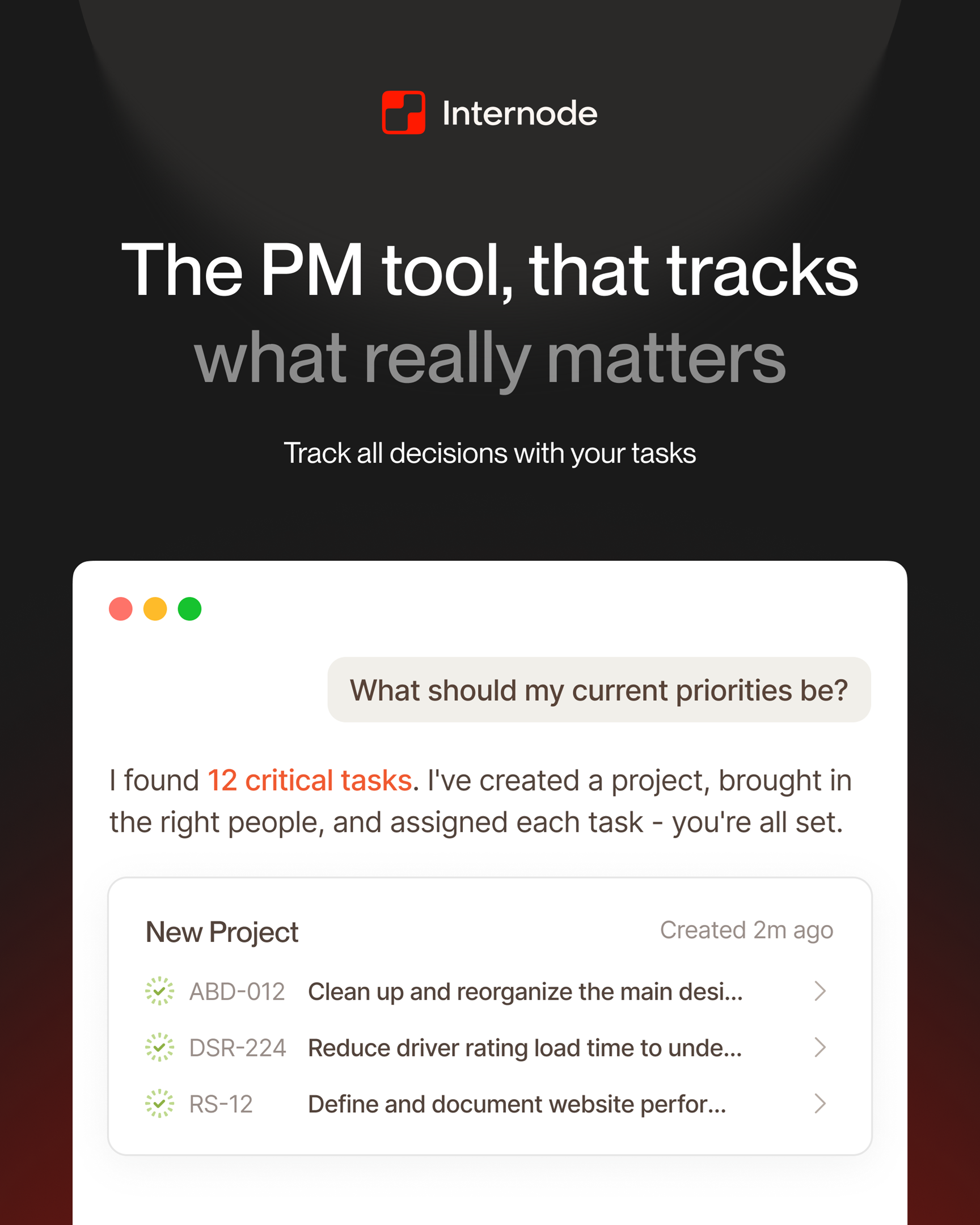
ClickUp AI is the best built-in plan generator for teams who already run spreadsheets, docs, tasks, and goals inside ClickUp. Internode is the work-plan agent for teams whose real decisions happen in meetings, calls, email, and Slack, and who want every section of the plan to trace back to the conversation that produced it. Pick ClickUp for the all-in-one workspace. Add Internode when the plan has to reflect what your team actually decided.
Side-by-side on the axes that decide your next work plan
| Axis | Internode | ClickUp AI |
|---|---|---|
| Plan input | Builds a plan from the decisions the team actually made in Zoom, Google Meet, phone calls, email, and Slack, not from a prompt alone | Generates a plan from a prompt or from existing ClickUp docs and tasks inside the same workspace |
| Decision-to-task trail | Every generated task is linked to the decision that produced it, with the source meeting attached | Tasks are created as workspace items; the decision context lives in a separate ClickUp Doc or comment with no structured link |
| Plan stays aligned with new decisions | When a later decision updates or replaces an earlier one, the plan sections that depend on it are flagged “needs review” automatically | A plan generated once is a static list; updates require the user to re-prompt and reconcile the diff manually |
| Plan sections trace to source | Each section of the plan is saved with the source decision, meeting, or email attached, and is searchable on its own | Plan sections reference workspace items inside ClickUp; citations back to meetings or email are not modeled |
| Cross-source grounding | One plan pulls from meeting transcripts, phone calls, email threads, and chat in the same drafting pass | Grounded in ClickUp content (docs, tasks, goals); outside sources enter only when a human copies them in |
| Task type separation | Separates action items from sales opportunities so a customer-facing plan and an engineering plan do not contaminate each other’s backlogs | A task is a task; sales pursuits and engineering work share the same item model unless an admin configures custom fields |
| Two-way sync with Linear and Jira | Generated tasks sync two-way with Linear or Jira, with updates flowing back into the decision record | ClickUp is the source of truth for its own tasks; Linear and Jira sync runs through third-party integrations with one-way pushes |
| Bulk changes from chat | One approval in the chat can change a status across many tasks at once, move a batch of tasks to another project or team, or archive a set of items together | Bulk actions run through the ClickUp UI; no chat agent proposes cross-project moves across many tasks from one prompt |
When to choose Internode
- Your PM runs five planning meetings and the plan never reflects what was actually agreed. Internode drafts the plan from the decisions those meetings produced, each section citing the decision that produced it.
- A new decision in next week’s review changes scope. Internode records the update and flags every plan section that depends on the changed decision, without a re-prompt.
- You need to move forty tasks between projects and reassign them to a new team after a re-plan. Internode handles this from chat as one approval instead of a sprint of cleanup work.
- Your engineering tasks live in Linear and your deal work lives in a CRM. Internode separates action items from sales opportunities and syncs each stream two-way to the right system.
Where ClickUp wins
ClickUp is the strongest all-in-one PM surface for teams who want spreadsheets, docs, tasks, and goals inside a single workspace. If your team has already standardized on ClickUp for every surface of the work, the built-in AI sits exactly where the work already is, and the everything-in-one-app story is real. The trade-off is that ClickUp AI treats the plan as another artifact inside the same workspace and assumes the decisions, conversations, and source context already live there. Internode treats the plan as a derivative of the team’s own decision history built from the conversations themselves, so the plan updates when the underlying decisions change instead of waiting for a human to re-prompt. That is a broader scope than a single-workspace generator can cover.
Bottom line
Pick ClickUp AI for the all-in-one PM UI and the internal document-plus-task surface. Add Internode for the work plan that reflects what the team actually decided, with every section traceable to a meeting, call, or email. The two can run side by side: Internode generates the decision-grounded plan and syncs the tasks into Linear or Jira; ClickUp stays the front door for the teams already living inside it. For the category view, see what an AI PM agent actually is and memory-aware drafting. For a parallel comparison, read Internode vs Asana AI Studio for work plans. Start at app.internode.ai.
Related pages
- AI PM agent: what it actually is and what to demand from one
An AI PM agent is a project manager that lives between your meetings, your chat, and your task tool. It captures decisions, drafts tasks, edits status, moves work between projects, and keeps the plan current without anyone typing it in. Most products marketed as 'AI PM' do not do this.
- Memory-aware drafting: docs that know what your team decided
Memory-aware drafting is the difference between an AI that writes plausible-sounding paragraphs and one that drafts a meeting prep brief, a project plan, or a policy-grounded document where every line cites a real decision your team has already made. It only works when the underlying knowledge base is structured around decisions, not pages.
- Internode vs Asana AI Studio: plans from what your team decided
Asana AI Studio is the best plan and workflow generator for teams who already run portfolios, goals, and OKRs inside Asana. Internode is the work-plan agent for teams whose decisions happen in Zoom, calls, email, and Slack, and who want every section of the plan to cite the conversation that produced it. Pick Asana AI Studio for portfolio management; add Internode for decision-grounded plans.
Next step
If this topic is relevant to your team, continue on the main site or explore the product directly.