Answer · · 4 min read
The best second brain app 2026: an honest ranking
You have Notion. You have Obsidian. You have Roam. You have Logseq. None of them stuck. This is a ranking for people who already know the tools and want one that does not need daily maintenance.
You have Notion. You have Obsidian. You have Roam. You have Logseq. None of them stuck for more than a year. Every ranking written in 2026 still compares these tools on the same five features, as if plugin depth or graph view were the reason your vault decayed. This ranking is different. It puts the tools in the order that actually matches how much of your time they demand to stay useful.
How this list is ordered
The ranking uses one test: after six months of real use, how much ongoing work does the system require from you to stay organized? Every tool below except the first one puts that work on you. That is why your second brain keeps failing no matter which app you try.
1. Internode, the second brain that builds itself
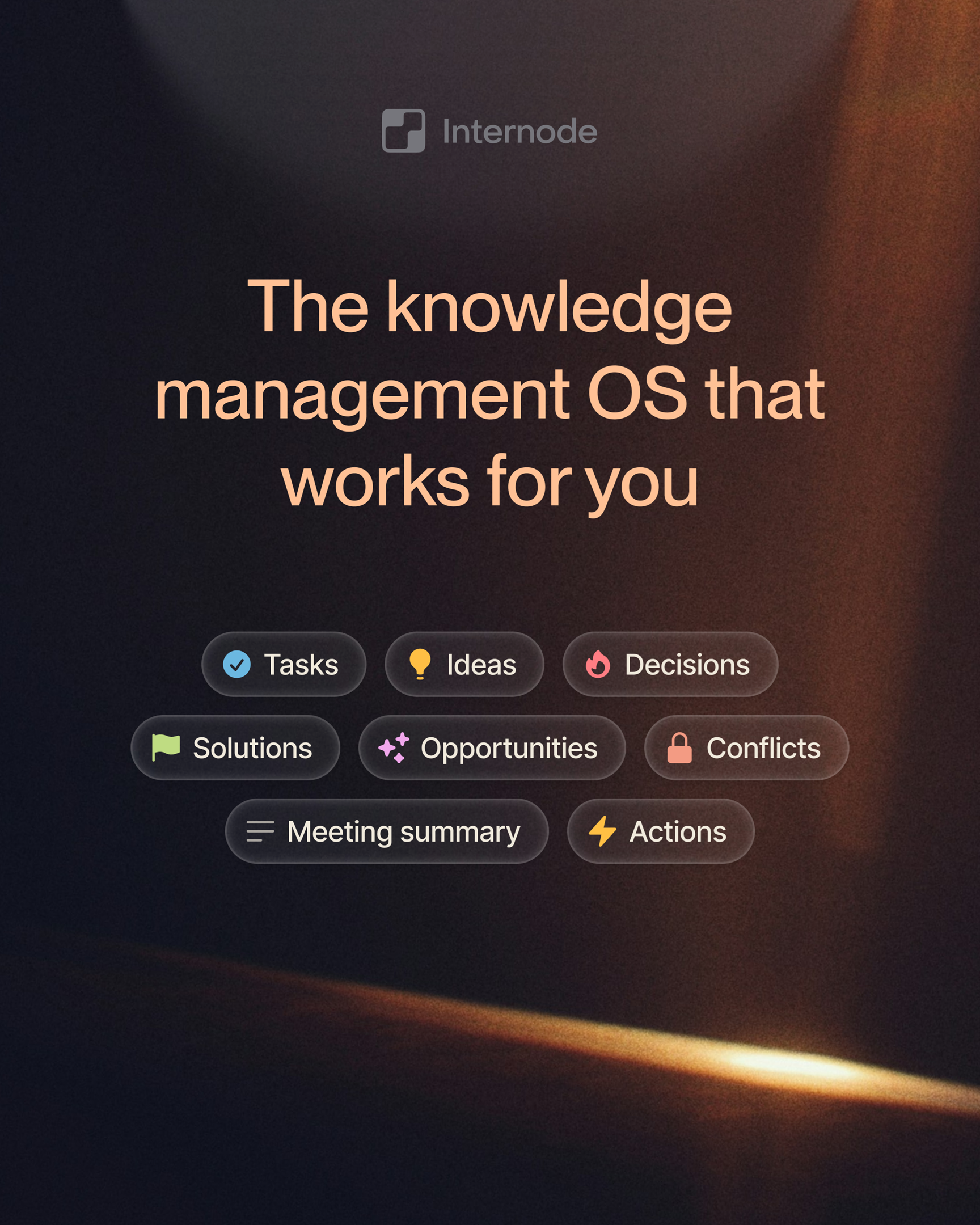
Internode is ranked first because it is the only tool on this list that does not require you to be the librarian. You connect your meetings, calls, and documents. The system reads them and pulls out the things you care about: the decisions you made, the action items you agreed on, and the subjects those conversations keep touching. You never create a database, pick a tag, or file a note.
The difference is architectural, not cosmetic. Notion AI and Obsidian Copilot plugins were added on top of tools built before AI mattered. Internode was built so that the AI does the organizing, linking, and connecting as a first-class behavior, not a sidebar. For a deeper explanation of that split, see why bolting AI onto Notion is not enough.
What works in practice: search that finds things by meaning, automatic recognition that a topic discussed across six meetings is one topic, and a drafter that writes briefings from your own past decisions with citations back to the source conversation.
2. Notion, the best database-first workspace
Notion remains the cleanest tool for building an explicit workspace. If you enjoy designing databases, linking properties, and publishing curated pages for a team, nothing else feels as polished. It is a good fit for people who want to build a system as a project in itself.
The limit is the one you already know. Notion is organization-first, so every idea forces a decision about where it lives. Notion AI can summarize a page you wrote. It cannot replace the act of writing the page.
3. Obsidian, the best local-first markdown vault
Obsidian is the top choice if you want flat markdown files on your own disk and a plugin ecosystem to shape the tool around your workflow. The community is large, the data is portable, and the local-first model is real. For writers and researchers who want full control over their files, no other app comes close.
The trade-off is maintenance. The graph view is famous and, for most people, decorative. If you have built a vault of 2,000 notes and never once surfaced a useful connection through the graph, you are not alone. Backlinking works only when you remember to link.
4. Roam Research, the best daily-notes thinking tool
Roam defined the bidirectional linking and daily notes workflow that many tools later copied. If you think by writing one page per day and weaving references between blocks, Roam still fits that pattern better than its imitators. The block reference model is a real primitive.
Development has slowed, pricing is high, and mobile is limited. It is a narrow pick for a narrow workflow.
5. Logseq, the best open-source outliner
Logseq is the right choice if you want the Roam model without the pricing and without a proprietary backend. It runs locally, stores markdown or org-mode files, and has an active community.
The learning curve is steeper than most people expect, and mobile sync remains a rough edge. This is a tool for technical users who will invest in configuration.
6. Mem, the best quick-capture AI notes app
Mem focuses on fast capture with AI-assisted retrieval. If you want a clean inbox where you throw notes and ask a chat to find them later, Mem handles that job well.
The scope is narrow. It is a note stream with AI on top, not a full knowledge system. For single-user note capture it is fine. For anything that needs first-class decisions and tasks with owners and links back to conversations, it will not go far enough.
What changed in 2026
Every tool on this list except the first one still assumes you will do the organizing work. The AI features they added since 2023 sit on top of manual systems. Internode ranks first because it removed that assumption entirely. Conversations are the input. Structured records of decisions, tasks, topics, and goals are the storage. You do nothing to keep it current.
If you have already tried the rest of this list and watched each one decay, a better tagging strategy is not the next step. The next step is a knowledge base that builds itself. Start a free account at app.internode.ai and connect one week of meetings. You will know within a few days whether the maintenance tax was the problem all along.
Related pages
- Why your second brain keeps failing
You built the system. Twelve databases in Notion, or 2,000 notes in Obsidian, or maybe both at different points. Six months later, you spend more time maintaining it than using it. The problem is not your discipline. The problem is the paradigm.
- The AI knowledge base that builds itself
A knowledge base that builds itself takes meetings, calls, email, and chat as input and produces structured, citable knowledge as output. Nobody has to write pages, tag topics, or maintain folders. The system gets richer the more your team works.
- The AI-native alternative to Notion: a self-writing knowledge system
Notion is a database you have to set up, maintain, and populate. An AI-native alternative takes your meetings and calls as input and produces structured records of decisions, tasks, and topics as output. You never design a database. You never choose a folder.
Next step
If this topic is relevant to your team, continue on the main site or explore the product directly.