Answer · · 4 min read
The AI-native alternative to Notion: a self-writing knowledge system
Notion is a database you have to set up, maintain, and populate. An AI-native alternative takes your meetings and calls as input and produces structured records of decisions, tasks, and topics as output. You never design a database. You never choose a folder.
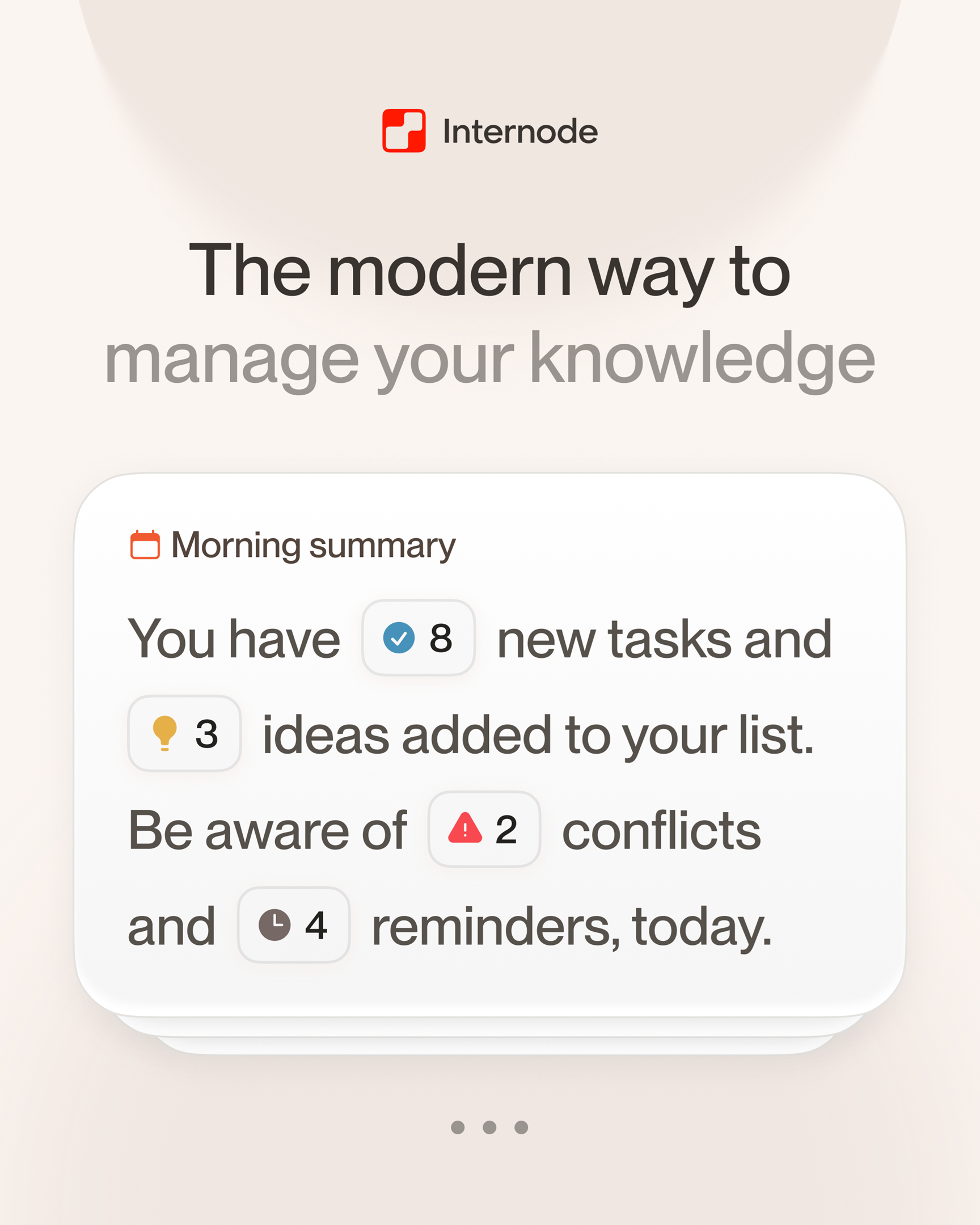
An AI-native alternative to Notion is a knowledge system where you do not build the database, design the schema, or write the pages. You connect the conversations and documents you already produce, and the system extracts decisions, tasks, and topics on its own. Notion is a workspace-as-database. The AI-native version is a knowledge base that writes itself from your work.
The distinction matters because “Notion with AI” is not the same thing. Notion AI is a chat pasted onto a database you still have to maintain. An AI-native tool removes the database-building step entirely.
Why “Notion with AI” is not AI-native
Notion was designed in 2016 as a blocks-and-databases workspace. Every feature since then has sat on top of that model. When AI features arrived, they added chat, summarization, and autofill. The underlying contract did not change. You still create the database. You still decide what properties it has. You still pick the folder, the tags, and the template. The AI helps you write inside that scaffolding. It does not replace the act of building it.
An AI-native tool reverses that. The AI is the layer that does the organizing, and the data model is built to support that. For a fuller version of this argument, see why bolting AI onto Notion is not enough.
What it looks like when the system writes itself
In Internode, the input is what you already produce. Meetings through Zoom or Google Meet. Phone call transcripts from your phone’s built-in recorder. Uploaded documents. Email threads. Slack conversations.
The output is a structured knowledge base. Decisions are saved as distinct records with the reasoning behind them and the people who agreed. Action items become tasks linked back to the decision that produced them. Recurring subjects become topics that cluster related discussions across many meetings. Goals are kept as their own records. You never create any of these. The system pulls them from content and recognizes when the same decision or task is discussed across multiple meetings, so it does not become two competing records.
What you stop doing
Here is what disappears from your week when the system writes itself.
- Building databases. You do not design a table with properties for status, priority, tags, and owners. The records already have those fields, and they get populated from the conversation.
- Filing pages. You do not pick a parent page. Topics cluster themselves by meaning.
- Maintaining links. Tasks link to the decision that produced them automatically. Decisions link to the topic they belong to. You do not type any of those connections.
- Keeping things current. When a later conversation updates or replaces an earlier decision, the system records that automatically and surfaces both versions. Nobody has to remember to update a page.
- Designing templates. There are no templates to design because there are no pages to design.
Where search actually changes
Notion search is keyword-based and scoped to titles and page contents. If you cannot remember the exact words you used when you wrote the page six months ago, the search often misses.
An AI-native tool searches by meaning over the records in the base. You ask “what did we decide about pricing last quarter?” and the system returns the decision itself and the reasoning behind it, not a list of pages ranked by keyword match. You ask “what tasks came out of the rebrand conversation?” and the system returns those tasks with a link back to the decision that produced them. The answer is a structured result, not a folder of pages to read through.
What you can generate from it
Once the base exists, you can draft documents from it. Internode plans, researches, and writes long-form documents using the same base. A weekly report, a briefing, a policy memo, or a client update gets written from real decisions with citations back to the conversation of origin. You do not open a blank Notion page. You ask for the document and review a proposal before anything is saved.
This is the unlock Notion AI cannot offer, because Notion AI can only summarize pages you already wrote. Internode has content to draft from because the base captured it automatically.
Where Notion still makes sense
Notion is still a good fit for static content collaboration. Published wikis, marketing landing pages, HR handbooks, and project-scoped documentation that a small team actively maintains. If your use is explicit content publishing, Notion is a serviceable tool.
The AI-native alternative is for a different shape of work: knowledge that comes out of conversations and needs to be connected across them, not typed into a page and filed. If you have watched a Notion workspace decay twice and rebuilt it three times, the next step is a knowledge base that builds itself.
Start at app.internode.ai, connect one week of meetings, and ask the agent five questions you would normally ask a teammate. The answers will tell you whether you were the bottleneck or whether the tool was.
Related pages
- The AI knowledge base that builds itself
A knowledge base that builds itself takes meetings, calls, email, and chat as input and produces structured, citable knowledge as output. Nobody has to write pages, tag topics, or maintain folders. The system gets richer the more your team works.
- Why your second brain keeps failing
You built the system. Twelve databases in Notion, or 2,000 notes in Obsidian, or maybe both at different points. Six months later, you spend more time maintaining it than using it. The problem is not your discipline. The problem is the paradigm.
- AI-first vs AI-added: why bolting AI onto Notion is not enough
Adding AI to Notion or Obsidian is like adding power steering to a horse-drawn carriage. It makes the existing experience slightly better, but it does not change the fundamental model. AI-first tools are built differently from the ground up.
Next step
If this topic is relevant to your team, continue on the main site or explore the product directly.